

The command center for every trade you make.
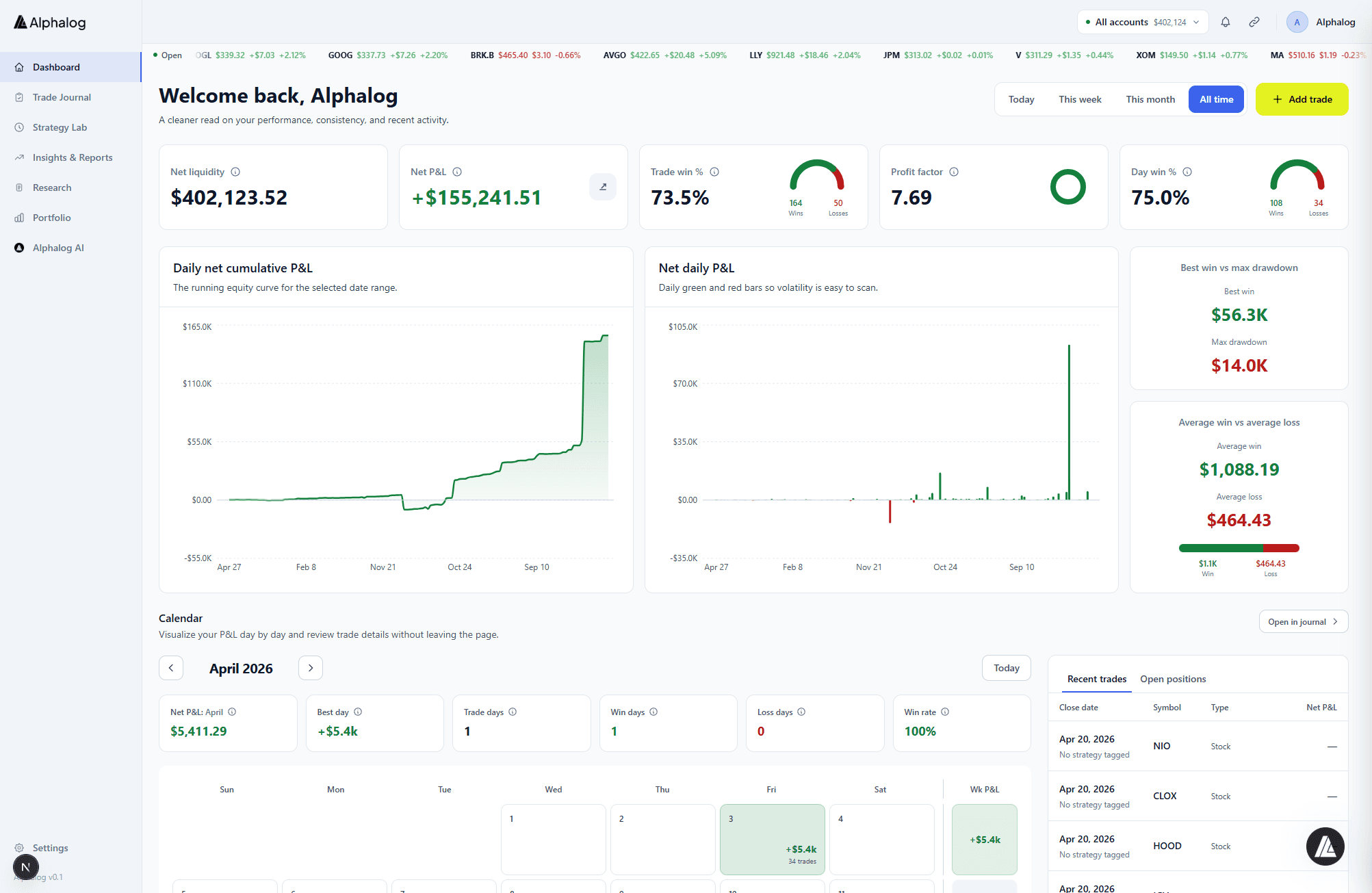
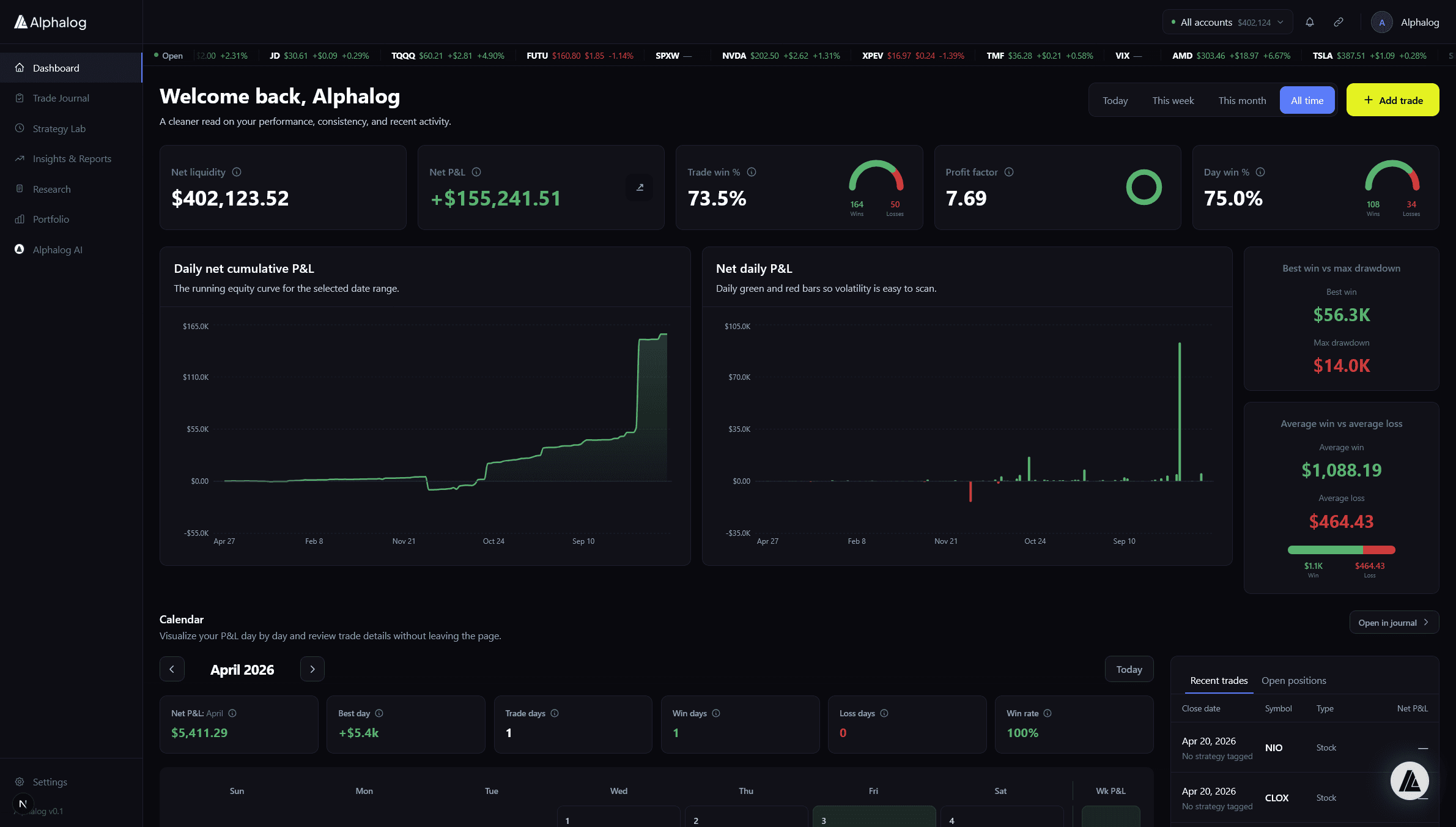
One screen for every account, every open position, every upcoming earnings call, and every AI insight — across all your brokers. Start your day here.
How it works
Step 01
Connect your brokers
Sync Schwab, Tastytrade, Alpaca, TradeStation, IBKR directly — plus 24 more via Alphalog Broker Connection.
Step 02
Alphalog organizes everything
Positions, balances, earnings, and AI insights flow into one view. No configuration required.
Step 03
Start your session with signal
Bias alerts, expected earnings moves, and risk warnings surface before you place a trade.
Unified view
Every account, one place.
See brokerage, bank, retirement, and crypto balances in a single rollup. No more alt-tabbing between broker portals.
- Real-time open positions across every connected account
- Total P&L, day P&L, and cash position at a glance
- Quick-switch between accounts or view the aggregate
AI insight feed
What your day looks like, before it starts.
The dashboard’s insight feed surfaces what matters: bias alerts from your most recent trades, expected moves for upcoming earnings, and concentration warnings from Risk Copilot.
- Bias alerts tied to real trades in your journal
- Expected-move forecasts for earnings within 7 days
- Sector concentration and correlation warnings
Who it's for
Active traders
Know the score before the open
Check bias patterns, open risk, and earnings catalysts in under a minute.
Multi-account investors
Unified reality across brokers
Aggregate Schwab, Fidelity, Robinhood, and IBKR into one net-worth and positions view.
Options traders
Multi-leg positions, clearly grouped
Iron condors and verticals show as one position with Greeks and P&L attribution.
Frequently asked
Do I need to configure the dashboard?
No. Once your brokers are connected, the dashboard assembles itself. You can pin or hide cards to taste.
How often does the dashboard update?
Real-time for direct integrations; minutes for partner integrations. Manual refresh is always available.
Can I have multiple accounts?
Yes. Free allows one account; Pro allows three; Elite supports unlimited accounts.
What data sources power the earnings and AI insights?
Earnings data is backed by FMP; expected-move data comes from 12 quarters of historical distribution. Bias alerts are computed from your own trade history.
Is the dashboard available on mobile?
Yes. The Alphalog iOS and Android app delivers a native version of the dashboard with the same insights.
Start your day with the full picture.
Start your 14-day Pro trial. No credit card required.