

Log every trade. Reflect. Improve.
The trading journal for options, stock, and futures traders. Fills sync directly from your broker — or log manually. Add diary notes, tag strategies, and see patterns emerge across thousands of trades.
How it works
Step 01
Trades arrive automatically
Connect Schwab, Tastytrade, Alpaca, TradeStation, IBKR, or 24 other brokers. Fills populate in minutes.
Step 02
Add the reasoning
Diary entry per trade or per day. Strategy tags, custom notes, screenshots — whatever you need to remember.
Step 03
Review the pattern
Analytics, bias tags, and pattern mining all read from your journal. The story builds itself.
Multi-leg options
Options trades, grouped correctly.
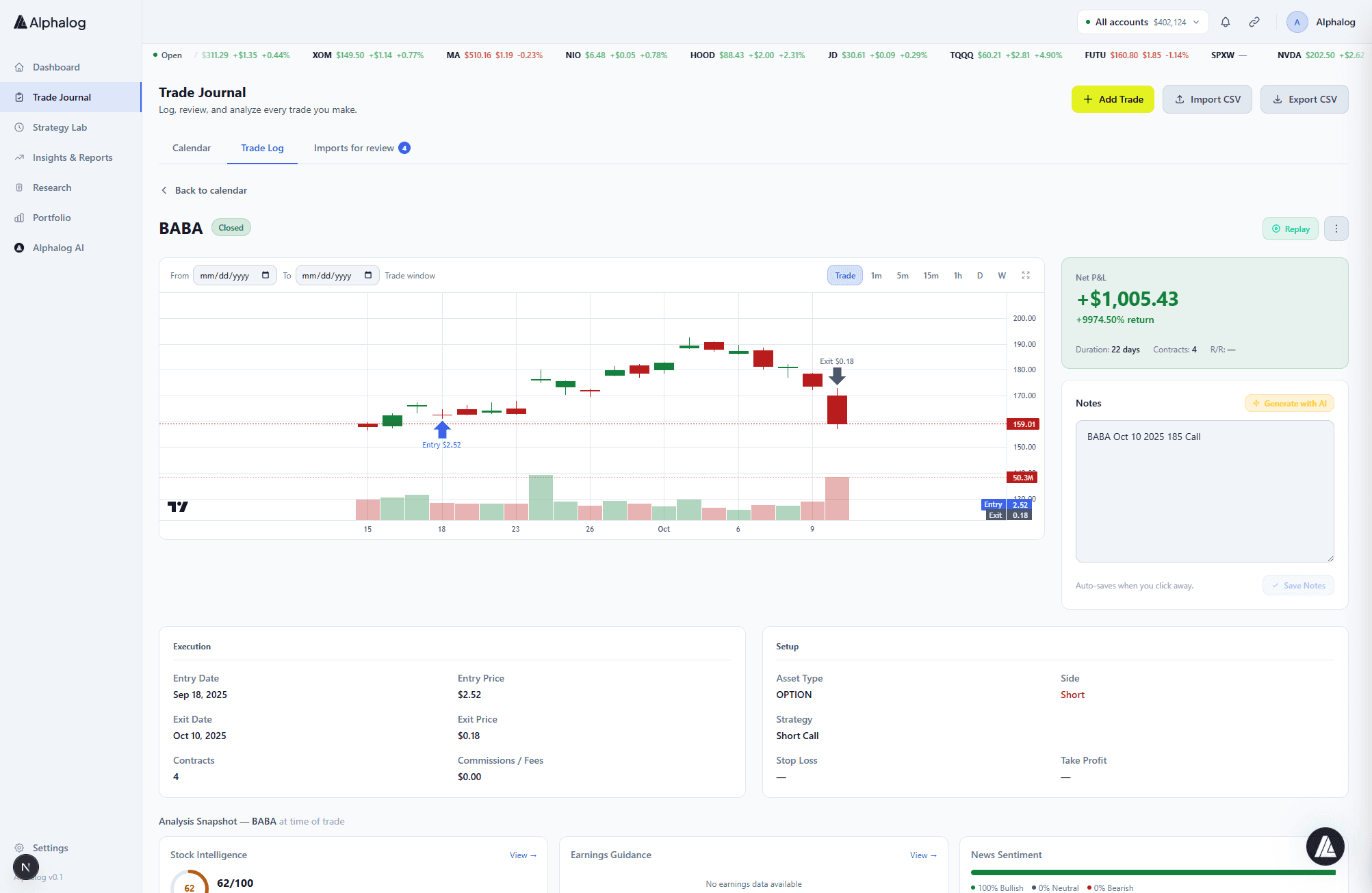
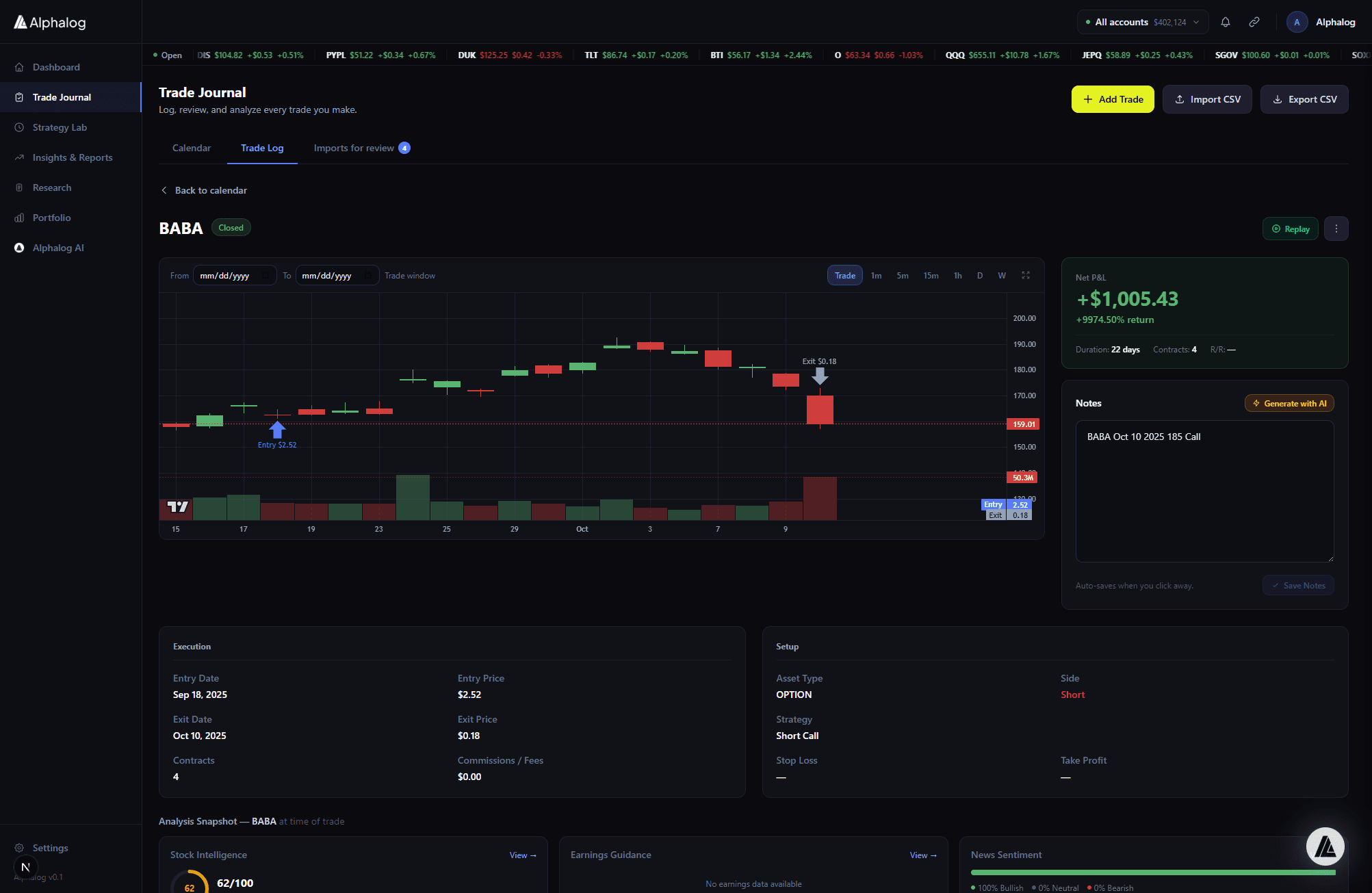
Vertical spreads, iron condors, butterflies, and diagonals arrive as one position with the full strategy attached. No more re-grouping four separate trades into a single trade.
- Automatic strategy detection on broker-synced trades
- Greeks, max-profit, max-loss, break-even on every position
- Early-close, roll, and assignment tracking
Diary + calendar
The context that makes journaling useful.
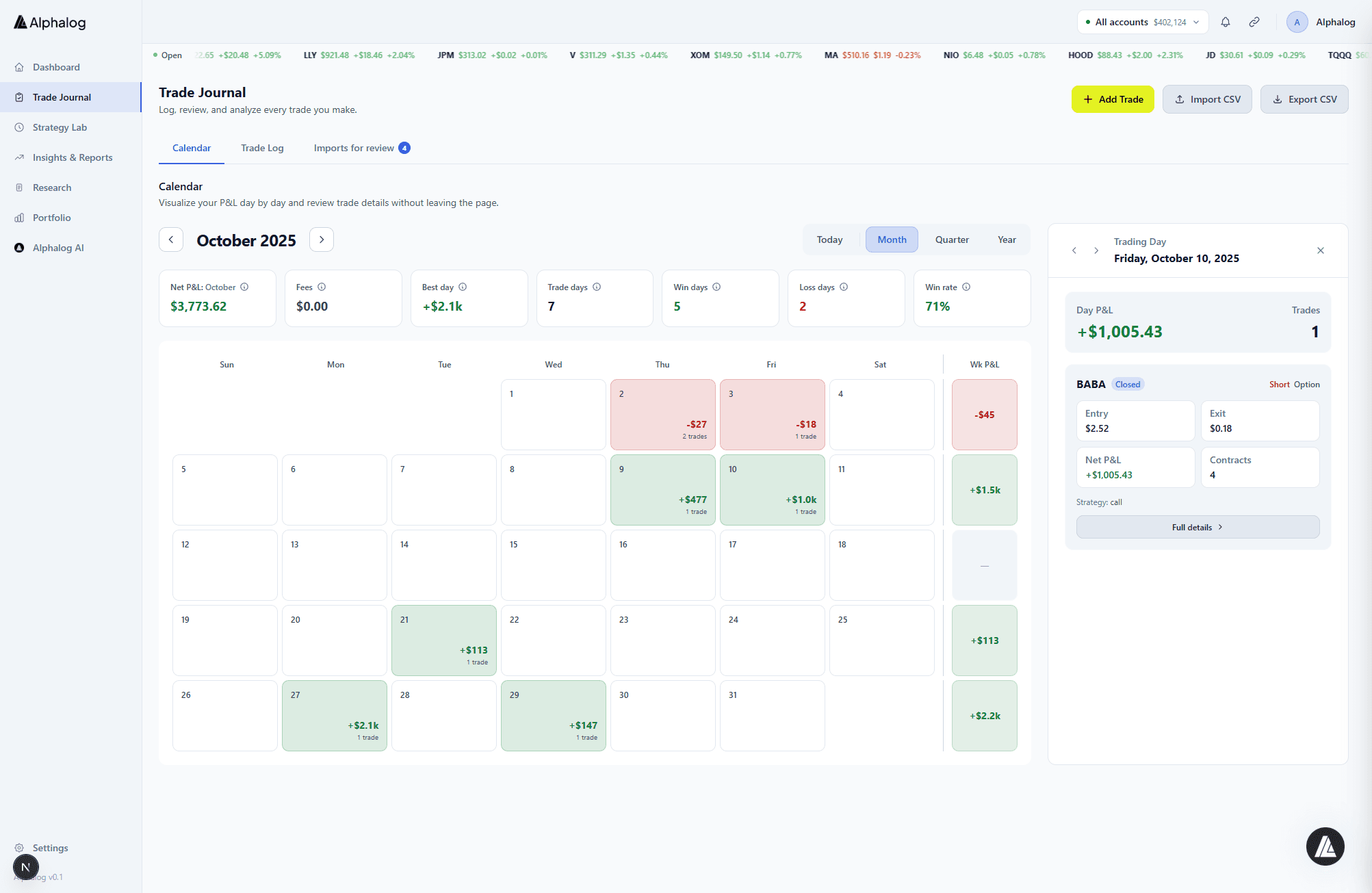
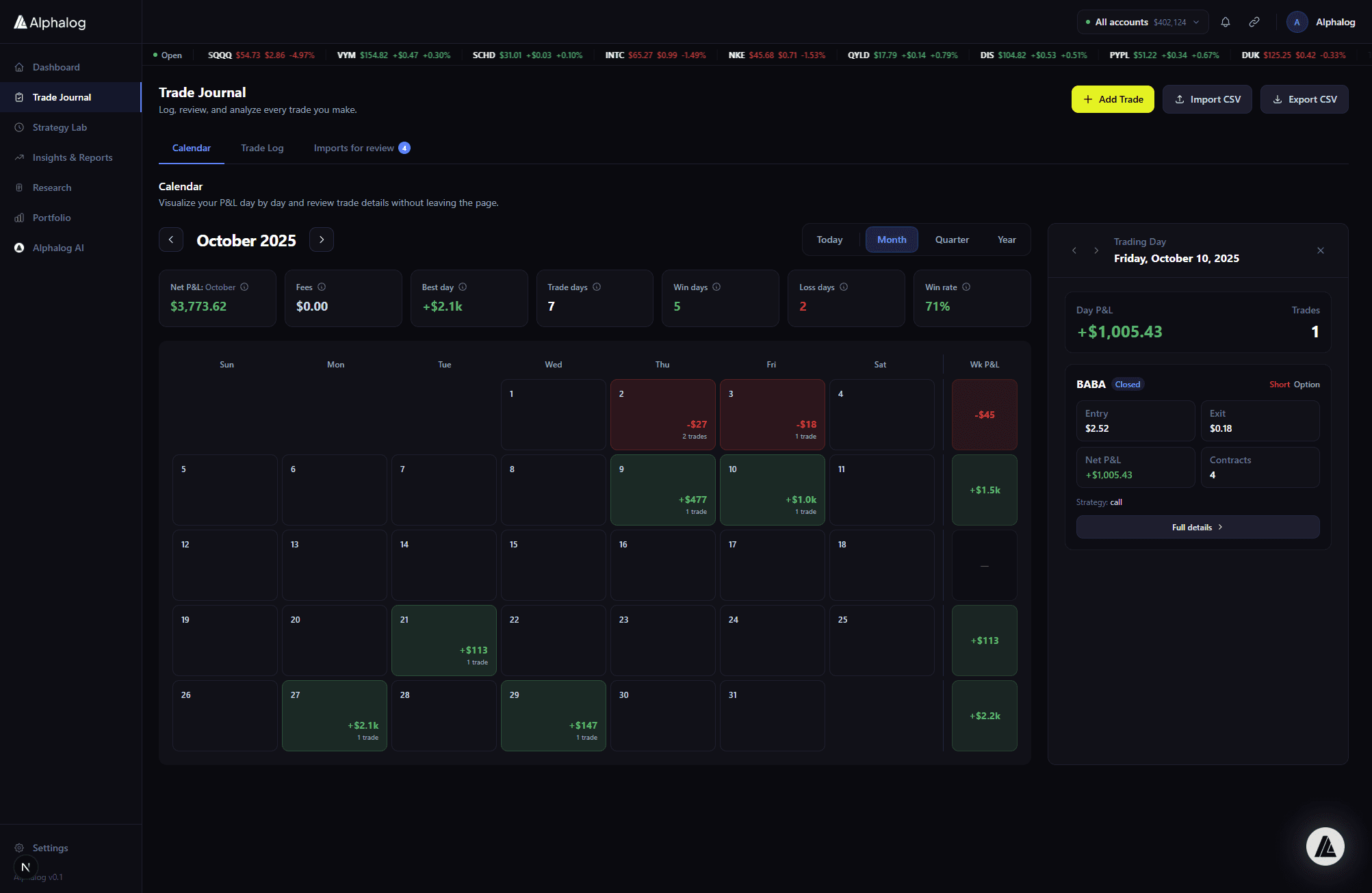
A trade log without context is just a spreadsheet. Alphalog’s diary and calendar heatmap let you capture the thinking behind the trade — and see the days when you traded well (or badly) at a glance.
- Per-trade and per-day diary entries
- Strategy tags, custom tags, and watchlist links
- Calendar heatmap colored by daily P&L
Who it's for
Options traders
Strategies, not just trades
Multi-leg attribution means your iron condor shows as one trade, not four orphaned legs.
Discretionary traders
Capture the why
Diary entries tie reasoning to outcomes so you learn from both winners and losers.
Algo traders
Keep a human log
Strategy tags let you journal alongside automated execution — review aggregate performance per algo.
Frequently asked
Can I log trades manually?
Yes. Manual entry supports stocks, options (single and multi-leg), and futures. CSV import is available on Pro and Elite.
How many trades can I log?
Free: 50/month. Pro: 500/month. Elite: unlimited.
Can I import historical trades?
Yes. Direct integrations backfill your full available history. CSV import handles the rest.
Does the journal support futures?
Yes. Futures contracts import from Schwab, Tastytrade, TradeStation, and IBKR with expiry tracking.
Can I export my journal?
Yes. CSV and JSON export are available from Settings at any time, on every plan.
A journal you’ll actually maintain.
Start your 14-day Pro trial. No credit card required.